How to Store Electronics in a Storage Unit Without Damage?
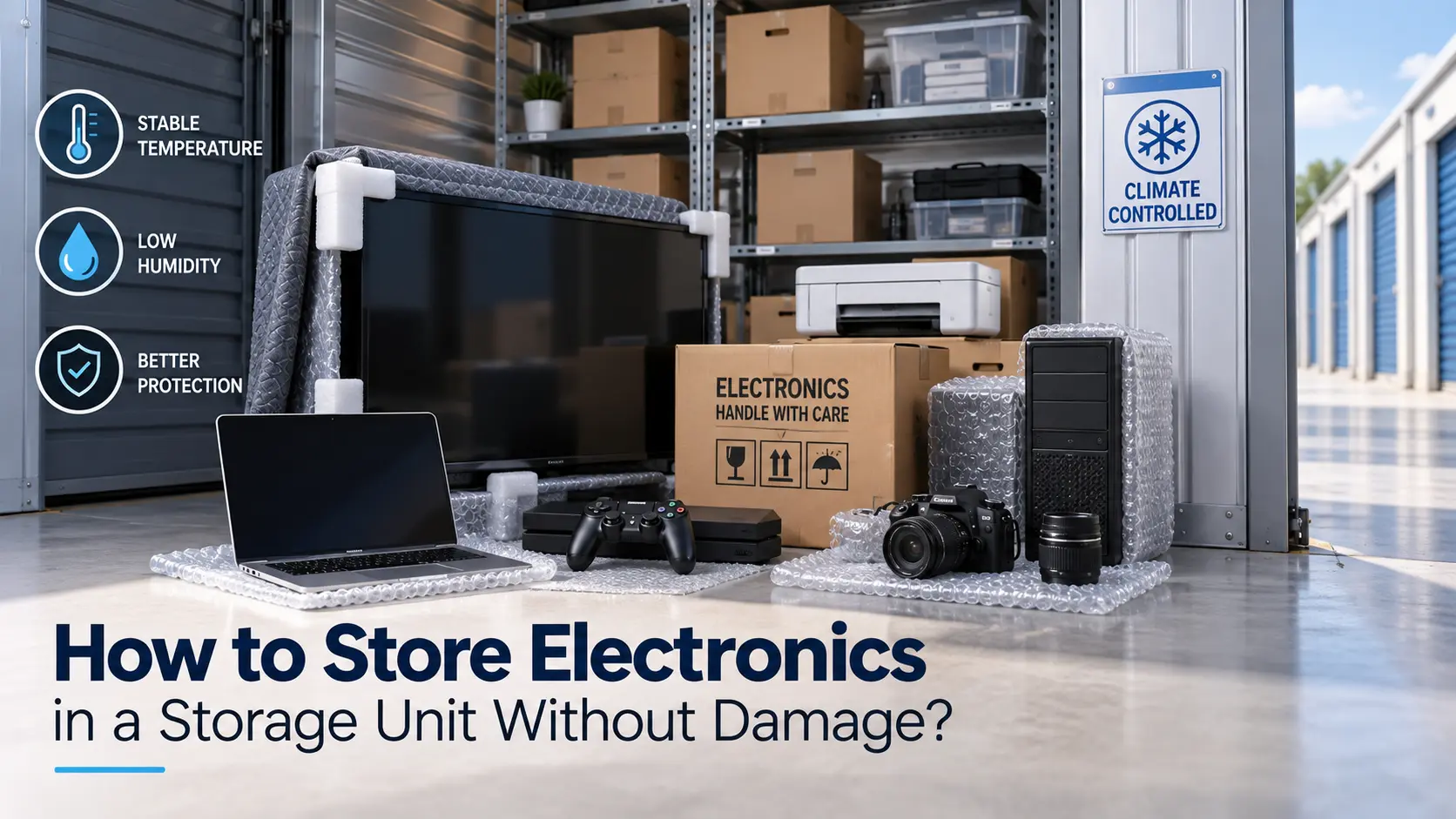
To store electronics in a storage unit without damage, choose a climate controlled unit, clean and dry every device, wrap each one in anti static padding, and keep everything off the floor. These steps block humidity, dust, and heat swings, which cause most storage damage. Farmington, MO has hot, sticky summers and freezing winters, so temperatures inside a basic metal unit can change fast. This guide covers prep, packing, unit choice, and check ups for TVs, laptops, gaming consoles, and more.
Electronics fail in storage for three reasons: moisture, temperature swings, and physical pressure. Most competitor guides mention bubble wrap and stop there. This article adds a device by device chart, local climate notes for Farmington, MO, and clear packing rules for each item. Follow it once, and your gear should power on the same way it went in.
Quick Reference Chart for Electronics Storage
| Device | Prep Before Storing | Best Position | Check Interval |
| Flat screen TV | Power off, unplug, cover screen with a soft blanket | Upright, never flat | Every 3 months |
| Laptop or tablet | Back up data, shut down, charge to about 50% | Padded box on a shelf | Every 3 months |
| Gaming console | Remove discs and controller batteries, coil cables loosely | Original box or padded bin | Every 3 months |
| Desktop PC | Back up data, remove loose parts, close all ports | Upright in a padded box | Every 3 months |
| Printer | Remove ink and paper | Boxed, top shelf | Every 6 months |
| Speakers and audio gear | Clean dust, wrap cones with a soft cloth | Boxed, off the floor | Every 6 months |
| Camera and lenses | Remove batteries and memory cards | Sealed bin with silica gel packs | Every 3 months |
Why Climate Controlled Storage Matters for Electronics
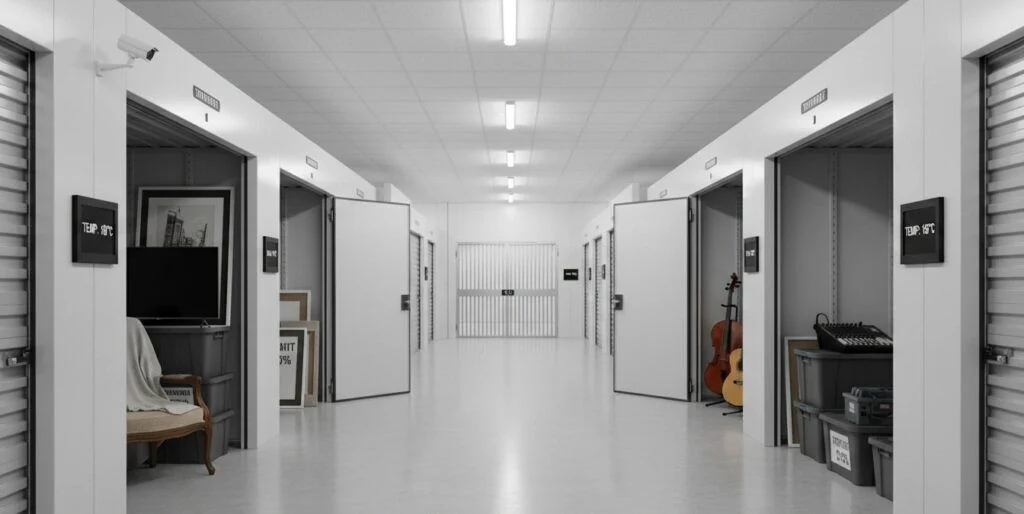
Circuit boards, screens, and batteries react badly to the air around them. A climate controlled unit holds temperature and humidity in a safer range all year.
Humidity and Condensation
Damp air causes corrosion on metal contacts and can leave moisture inside a device. Mold can also grow on cases and cables.
Warm air cooling at night forms condensation. That water can reach circuit boards in a device you never opened.
Heat Swings and Battery Health
Extreme heat can warp plastic and shorten battery life. Freezing cold can crack LCD screens and damage batteries.
Missouri summers and winters put stress on any unit without temperature control. Devices with lithium batteries are the most sensitive.
Store Electronics in a Storage Unit With This Prep Checklist
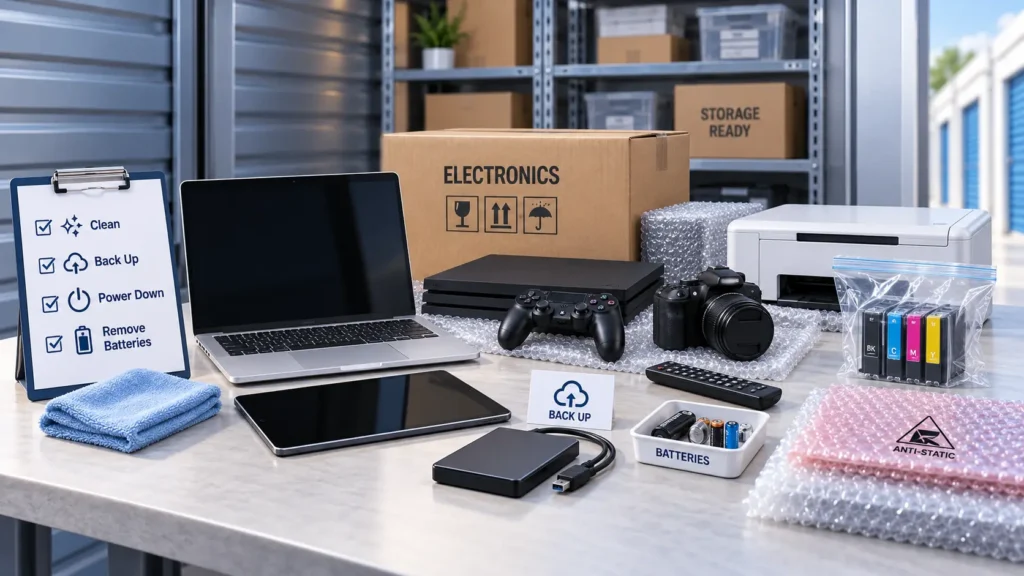
Good prep matters more than any packing material. Do these steps before a single box leaves your home.
Clean, Power Down, and Back Up
- Wipe screens and cases with a dry microfiber cloth.
- Back up photos, files, and game saves to a cloud service or external drive.
- Shut each device down fully instead of leaving it in sleep mode.
- Let hot devices cool before you pack them.
Remove Batteries and Ink
Old alkaline batteries can leak and eat through contacts. Take them out of remotes, controllers, and cameras.
Printer ink can dry out or leak. Remove cartridges and store them upright in a sealed bag.
Best Packing Materials for Electronics Storage
Cheap or wrong materials can cause the damage you are trying to avoid. Plain plastic wrap, for example, traps moisture against a device.
Anti Static Wrap and Original Boxes
Use anti static bags for hard drives, circuit boards, and small parts. Use the original box and foam inserts when you still have them.
If you plan to store electronics in a storage unit for more than a few months, add silica gel packs to every box. They soak up stray moisture.
How to Pack a TV
Cover the screen with a soft blanket, then slide the TV into a TV box or a flat panel carton. Tape the box shut and mark it “FRAGILE, THIS SIDE UP.”
Always keep the TV upright. Lying it flat puts weight on the panel and can crack it.
Storage Unit Size and Layout Tips
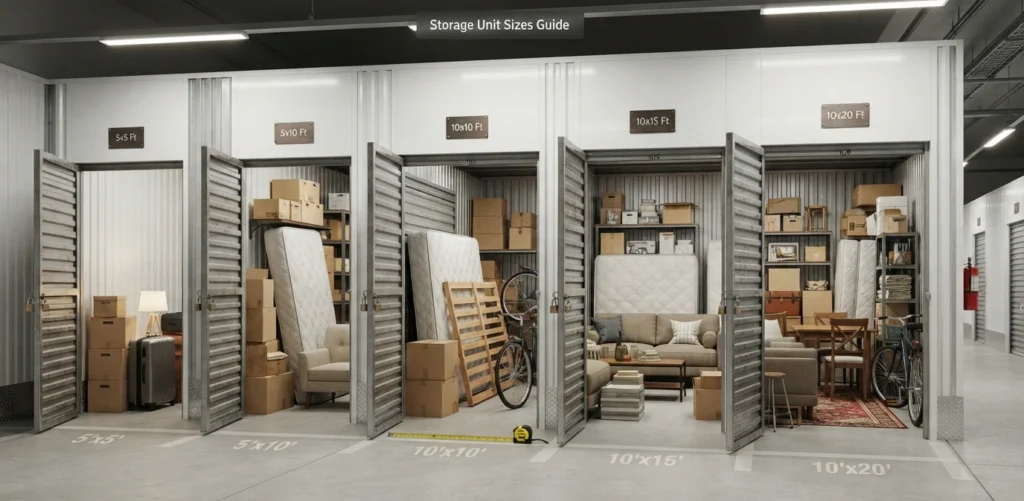
The right unit size keeps boxes from stacking too high. Overloaded stacks crush fragile gear.
Try the storage size calculator to match your items to a unit. A 5×10 works for a few TVs, a PC, and a small stack of boxes. A 10×10 fits electronics plus furniture.
Follow these layout rules:
- Place shelves or pallets under boxes so nothing touches the floor.
- Put heavy items low and light electronics on top.
- Leave a small gap between boxes and the wall for airflow.
- Never stack anything on a TV or monitor.
Storage Unit Cost and Rental Options
Climate controlled space costs more than a standard unit, but repairing a damaged TV or laptop costs far more. Review the average monthly cost of self storage to set a realistic budget.
Short on time? You can rent a storage unit for a week during a move or remodel. When you are ready, rent a storage unit online in a few clicks.
Local Storage Tips for Farmington MO
Local conditions shape how you should store gear. Missouri humidity rises fast after spring storms, and old outbuildings and garages hold damp air.
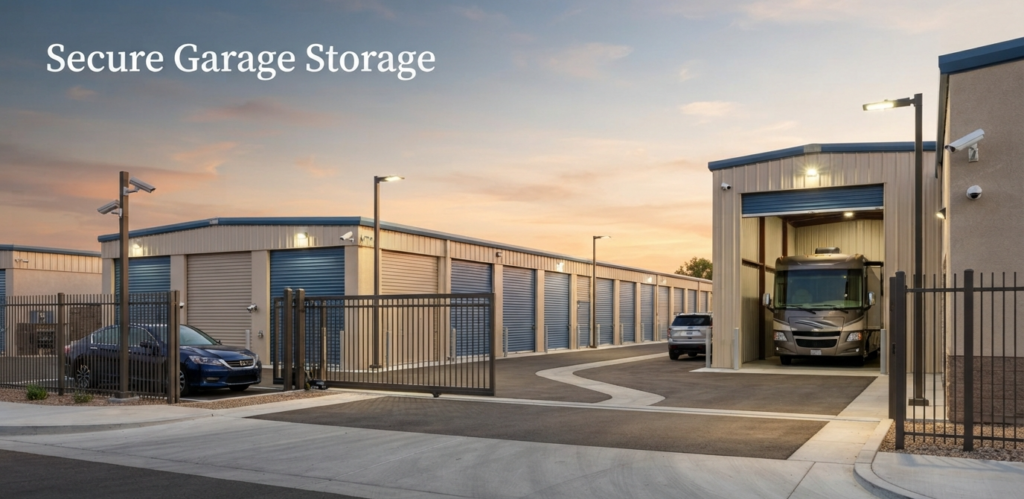
Many locals store electronics in a storage unit in Farmington MO during a move, a remodel, or a long work assignment. Storage units close to Karsch Blvd on Highway D give you quick access, and a self storage facility in Farmington MO with gated entry adds a layer of protection.
Look for these features in any facility:
- 24/7 video security and an on site manager
- Gated access with individual codes
- Alarmed units for high value items
- Drive up access for easy loading of TVs and PCs
- Check your renters insurance or tenant protection plan for coverage on electronics
FAQs
Can you store electronics in a storage unit?
Yes, electronics are safe in a storage unit when the unit is climate controlled, and you clean, pack, and shelve each device properly. Avoid standard units without temperature control for long term storage.
How long can you store a TV in a storage unit?
A TV can stay in storage for months or even years if it is boxed, upright, and kept in a stable climate. Check it every 3 months for dust, pests, or moisture.
Is it bad to store a laptop in a cold or hot unit?
Yes, extreme heat and cold damage batteries and screens. Keep laptops in a climate controlled unit with a battery charge near 50%.
Should I put silica gel packs in with electronics?
Yes, Silica gel packs absorb small amounts of moisture inside a sealed box. Replace them every few months, or when they stop absorbing.
Conclusion
You can store electronics in a storage unit safely when you control humidity, clean each device, pack it right, and place it off the floor. Climate controlled space does the heavy lifting, and good packing handles the rest. Set a reminder to check your unit every 3 months. Small habits like these protect devices that cost hundreds or even thousands of dollars.
D Highway Storage offers climate controlled and drive up units, 24/7 video security, gated access, and an on site manager. Your unit is open from 6am to 9pm every day, including holidays. Call (573) 664 1138 or visit 2079 Hwy D in Farmington, MO to talk with the team. Reserve online, and your devices will have a safe place to wait.